
Ready when you are
BillHive
Everything you need, right on your device. Get started without setting up a server.
- On-device storage with iCloud sync
- Bills, Checks, and Trips in one app
- On-device receipt scanning and share links

 BillHive
Split household bills, dinner checks, and trip expenses — without the back-and-forth.

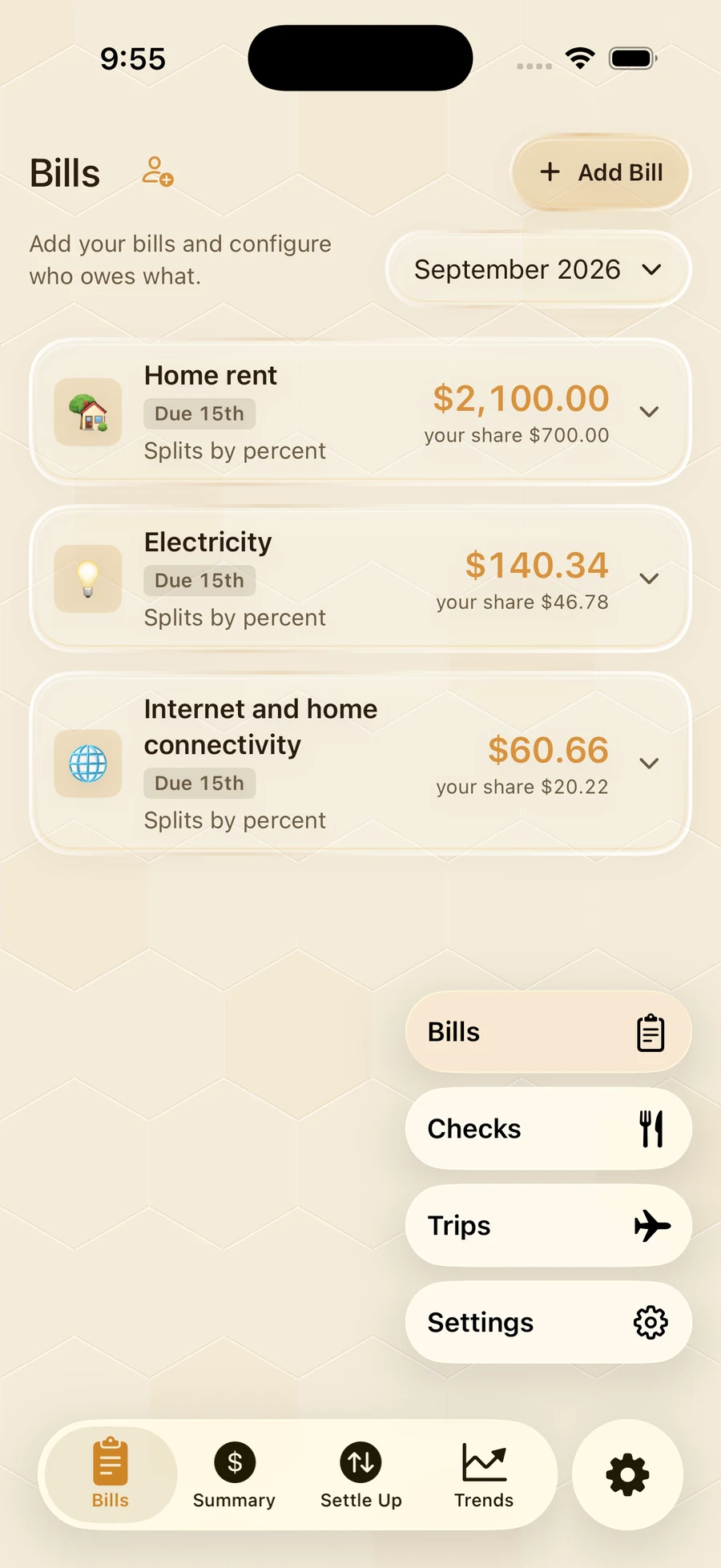
Bills
Percentages, fixed amounts, and covered shares.
Clear balances for everyone in your household.
Carry bills forward and track what is paid.
Bills · Checks · Trips
Your data. Your choice.
Same thoughtful experience. Choose where your data lives.
Ready when you are
Everything you need, right on your device. Get started without setting up a server.

At home on your server
Your iPhone, connected to your own BillHive server. Keep your web app and mobile app together.
Set up your server
The little things, handled
Work out each share, then open Venmo, Zelle, or Cash App to settle with the people you know.
Understand your spending with trends by person, bill, and month.
Local storage, iCloud sync, or your own server. Export a backup whenever you need one.
For the self-hosters
Run the open-source BillHive web app in a single Docker container. Then connect SelfHive to take it with you.
Read the setup guidedocker run -d \
--name billhive \
-p 8080:8080 \
-v billhive-data:/data \
--restart unless-stopped \
ghcr.io/martyportatoes/billflow:latest
Open http://localhost:8080 on your server. Use the
setup guide to configure access from your devices.
Choose BillHive to keep your data on your device and sync with iCloud. Choose SelfHive if you run a BillHive server and want your iPhone and web app connected to it.
The apps are designed without subscriptions or ads. See each App Store listing for current pricing and available in-app purchases. The self-hosted web app is open source.
You can share a check or trip link so friends can claim items or join through their browser, without creating an account. Sharing needs an internet connection.
BillHive helps you work out the amount and opens supported payment apps, including Venmo, Zelle, and Cash App. Payments are completed through your payment provider; BillHive does not move money.
Bring a little clarity to the expenses you share.